Pixora app icon

Pixora

Make your iPhone feel more like you.

Browse standout wallpapers or create an original one with Pixora Studio—all in one focused iPhone experience.

Explore projectDownload Pixora on the App Store
Platform
iPhone
Status
Live
Year
2026
Made by
CraftdLab

Project overview

A closer look at Pixora.

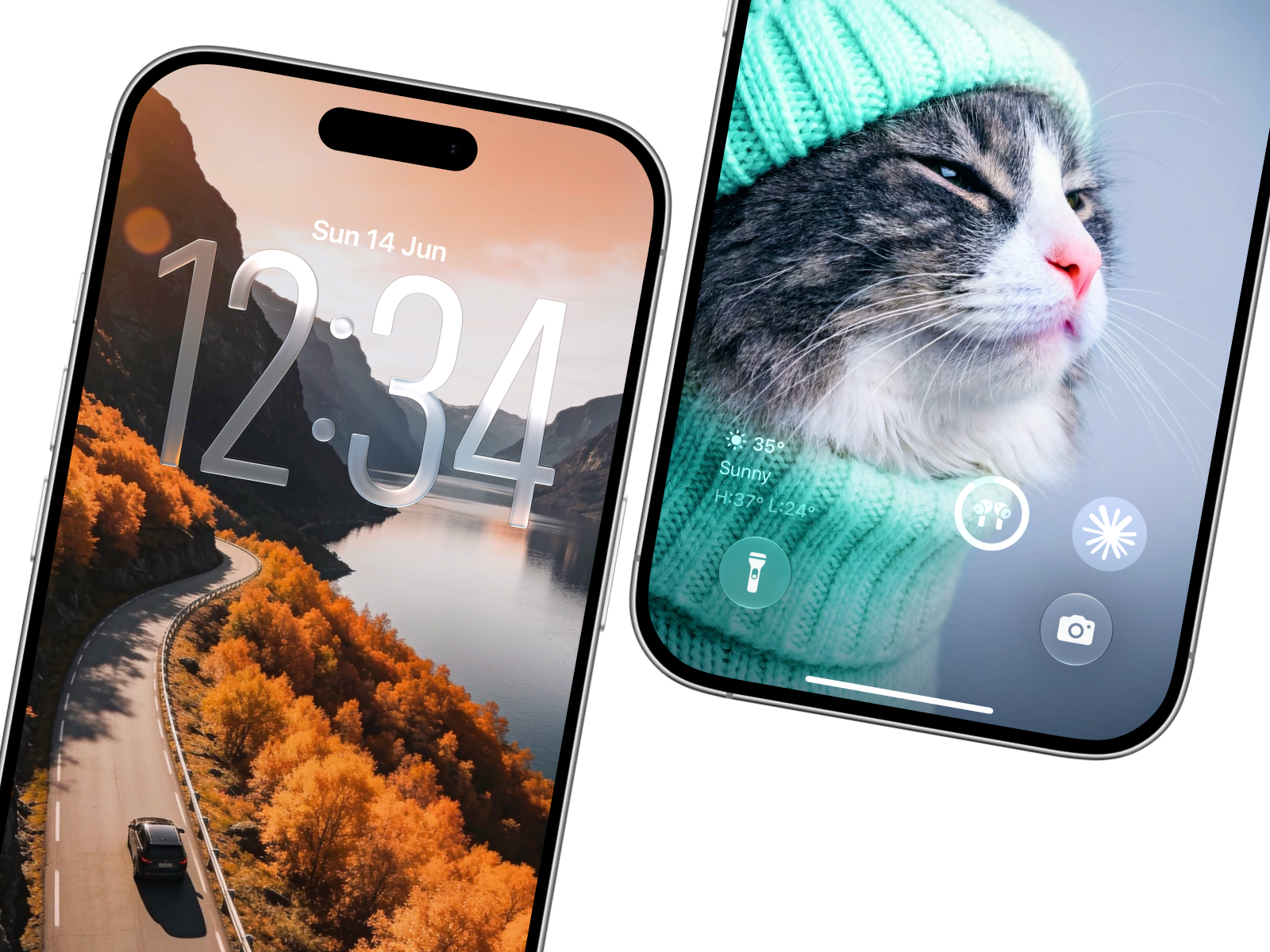
Your iPhone is one of the screens you see most. Pixora helps make it feel more personal with a focused collection of wallpapers chosen for their quality, mood, and ability to look at home on your display.

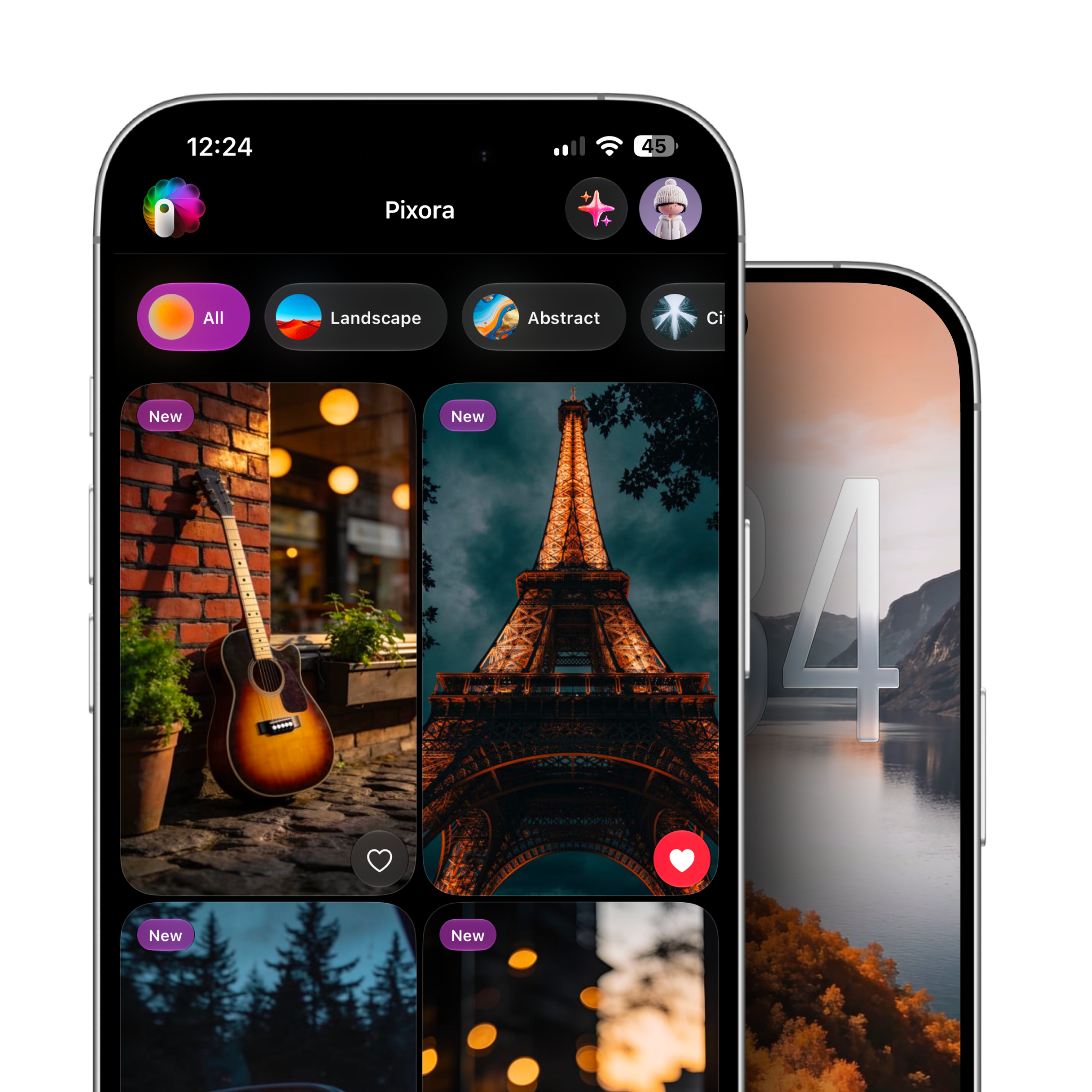
Browse by category, search for a particular style, preview a wallpaper before saving it, and keep your favorites close. The experience stays out of the way so the image—and your screen—can take the lead.

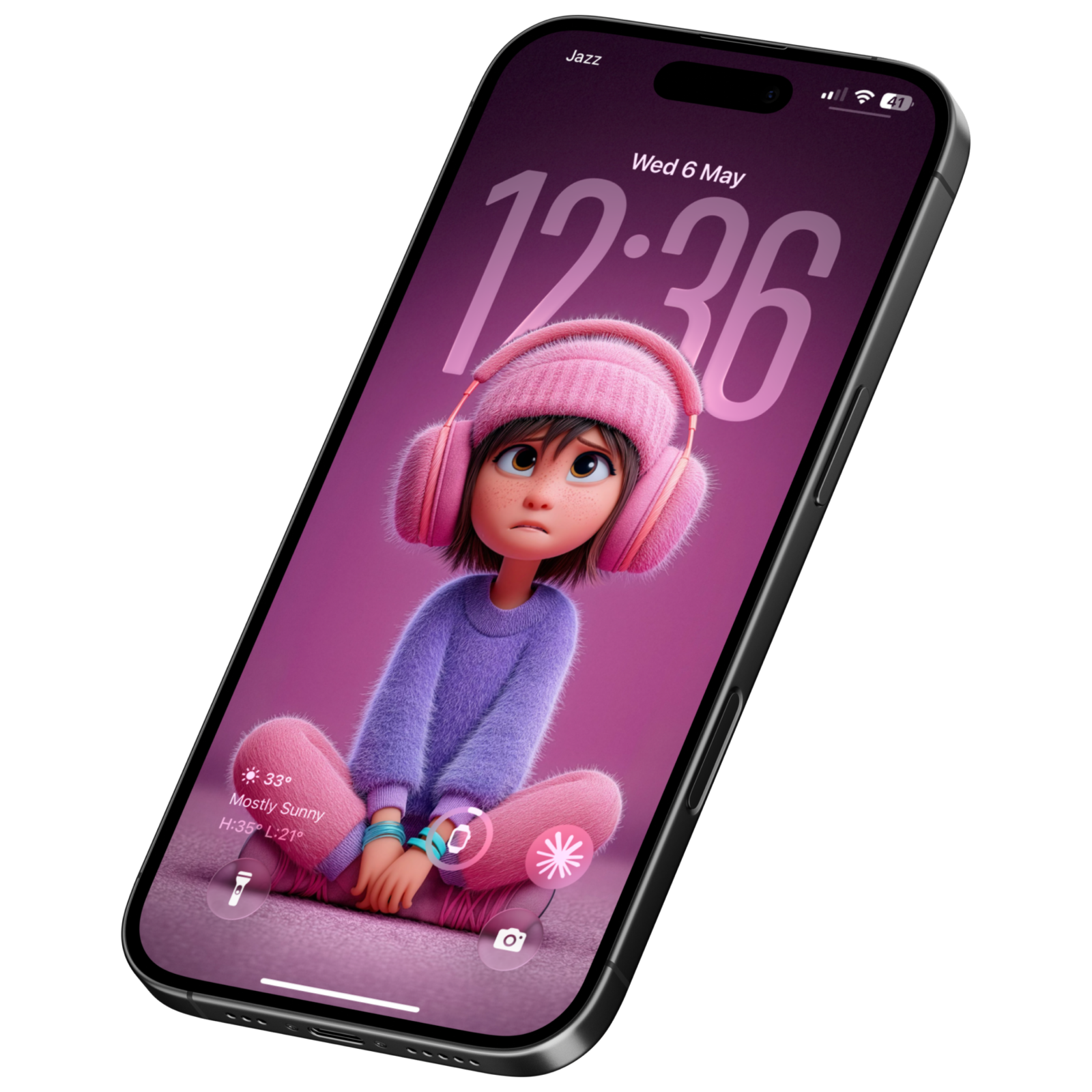
When the right wallpaper does not already exist, Pixora Studio helps you create it. Start with an idea, choose a visual style and generation quality, then turn it into an original wallpaper made for the shape of an iPhone.

Pixora app interface displayed inside an iPhone

02 · Product experience

Make every glance feel more like you.

From finding the right image to creating something original, Pixora brings the complete wallpaper experience into one focused app for iPhone.

Pixora image collection presented in an editorial gallery

01 · Product direction

A better screen starts with the right image.

Pixora was designed around a simple idea: personalizing an iPhone should feel inspiring, not overwhelming. Carefully organized collections and an image-first interface help people move from browsing to a screen they love without unnecessary friction.
Pixora product interface shown on an iPhone

02 · Experience

Find it, preview it, make it yours.

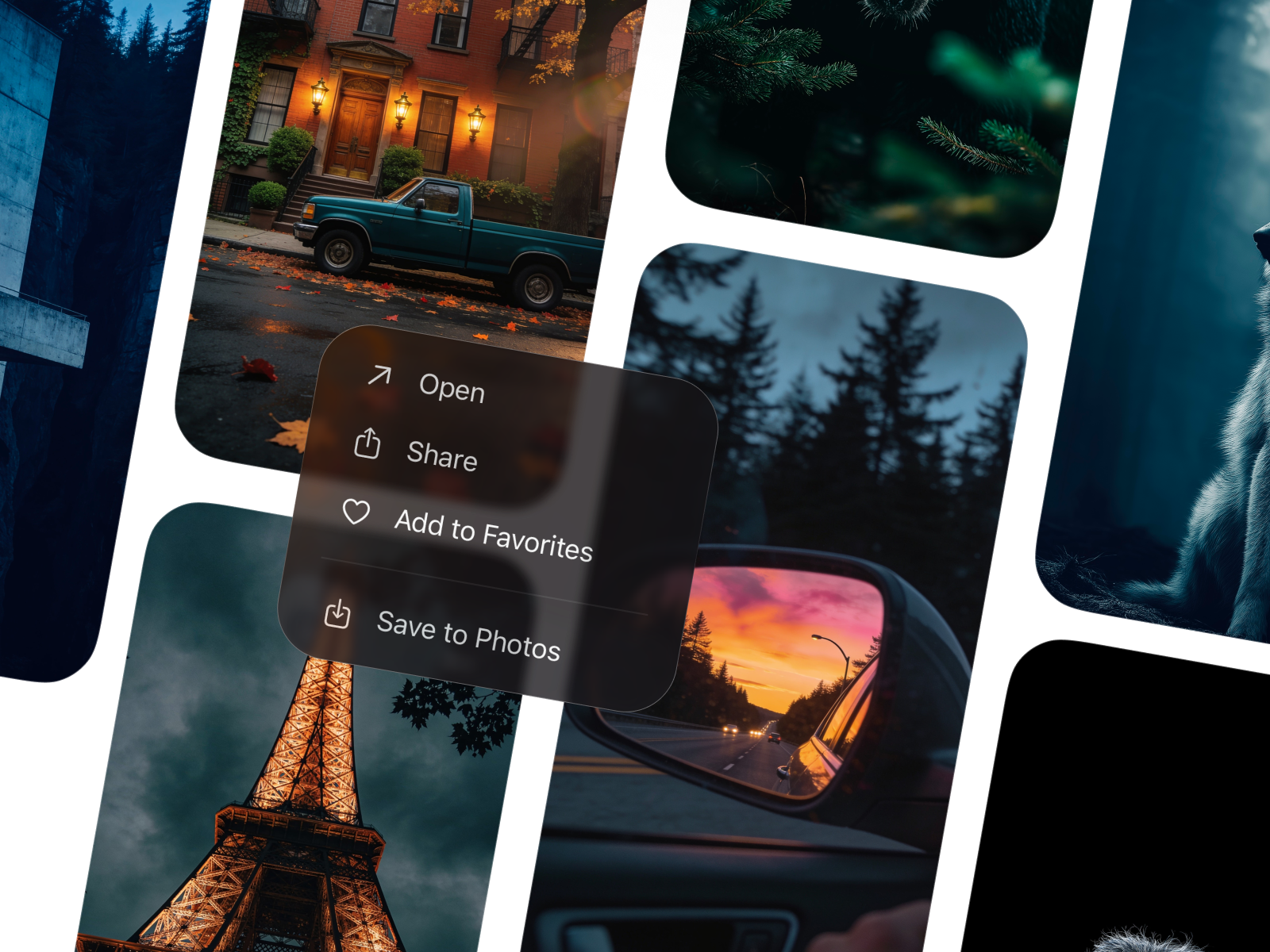
People can explore wallpapers by category, search for a specific mood, preview how an image will feel on their device, and save favorites for later. High-quality downloads make the final result feel as considered as the browsing experience.

Pixora Studio tools and image experience displayed on iPhones

03 · Pixora Studio

When you cannot find it, create it.

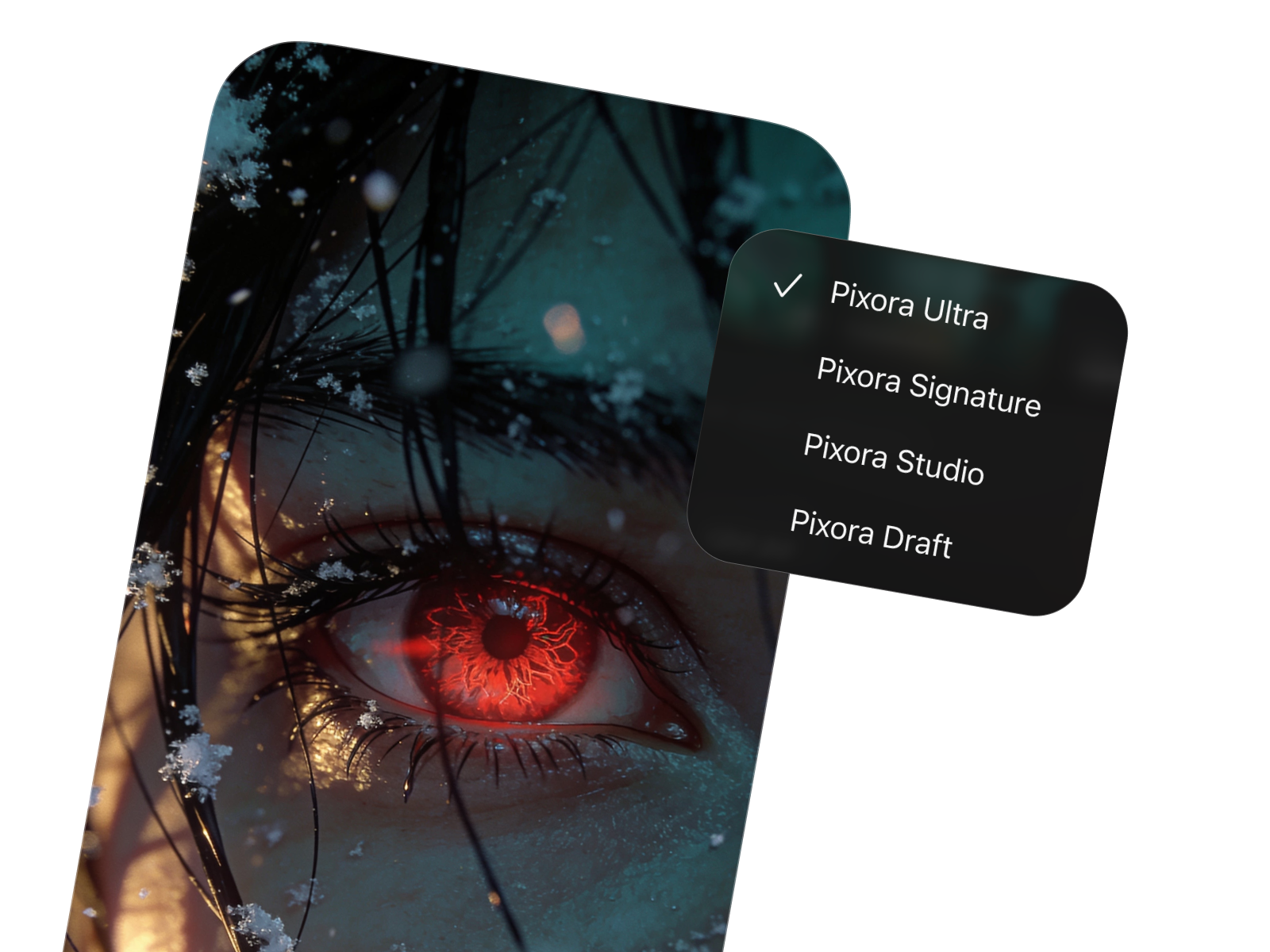
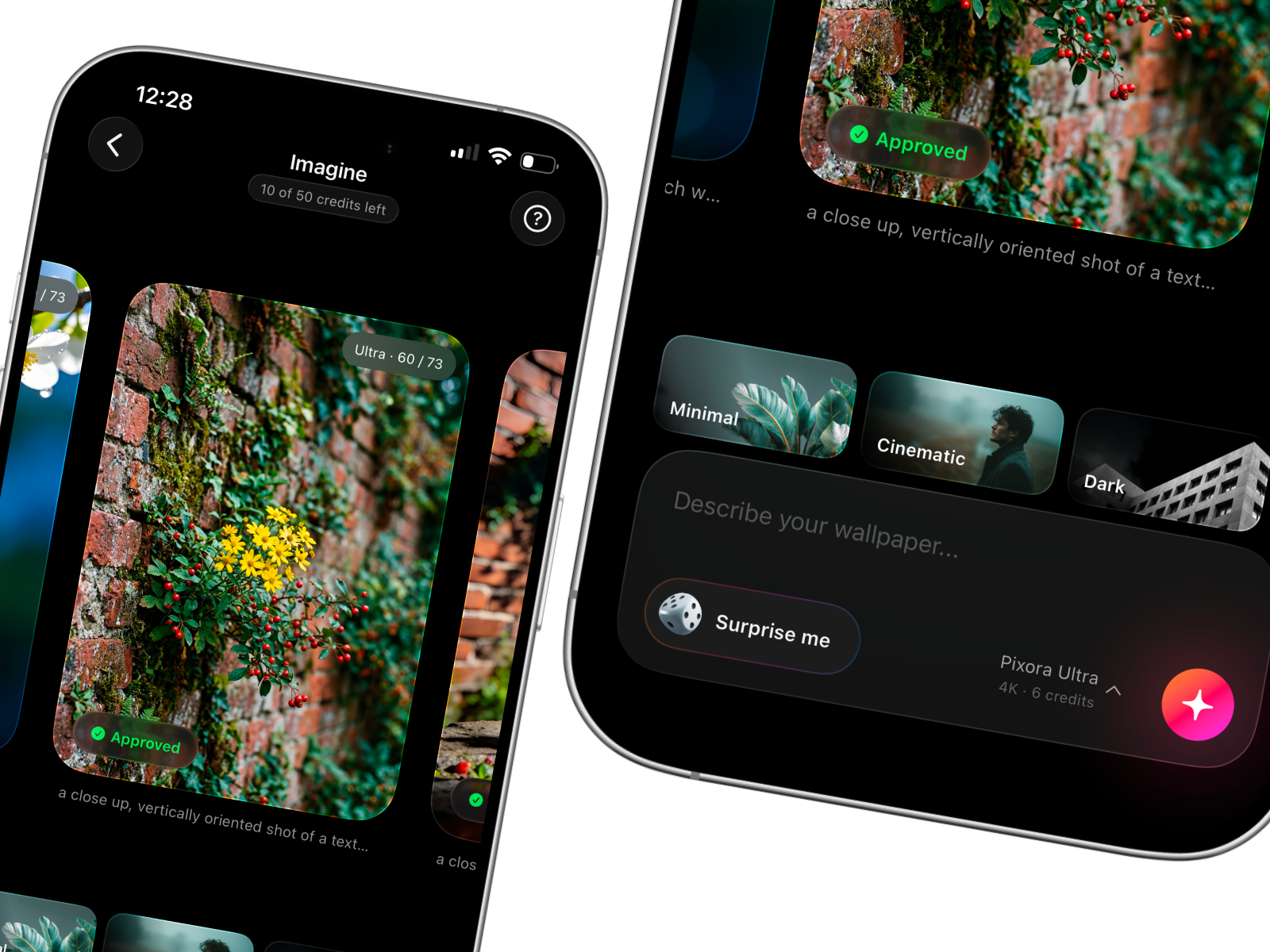
Pixora Studio turns an idea into an original vertical wallpaper. Draft, Studio, Signature, and Ultra generation levels pair with styles ranging from Minimal and Cinematic to Nature, Abstract, and 3D Art, giving every screen a more personal starting point.

Eligible creations can also be submitted to Pixora’s curated community, where new work can inspire someone else’s next screen.

Pixora Ai modals list

04 · Community

Original work, thoughtfully curated.

Eligible creations from Pixora’s four-model creative system can be submitted to the community. Every submission is reviewed before it joins the public collection, keeping the experience inspiring, intentional, and useful for everyone.

Made for your iPhone

Privacy policy

Make your screen better today.

Find a wallpaper that feels right—or create one that could only be yours. Pixora brings discovery, preview, and original creation together in one focused iPhone experience.

Download on the App Store
Pixora displayed on an iPhone